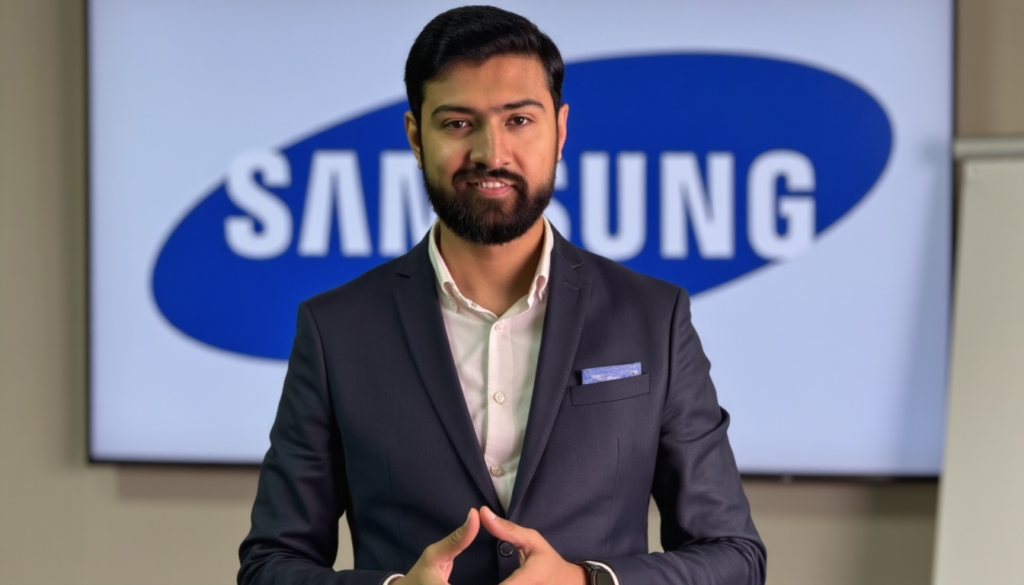
Welcome to my professional page. I’m Muddaser Altaf—a Learning and Development specialist with over 10 years of experience and an unwavering passion for technology. My journey in training and customer experience began at Etisalat, where I had the incredible opportunity to work closely with Samsung devices. In fact, my love for Samsung’s innovative products has always been at the heart of my work.
At Etisalat, I wasn’t just a trainer; I was an enthusiastic ambassador for Samsung’s cutting-edge technology. Every training session I led was infused with my genuine admiration for the brand—from exploring the latest smartphone features to unveiling the seamless integration of Samsung’s ecosystem. I believe that technology is not just about functionality, but about inspiring and empowering people to experience innovation firsthand.
As I pursue the role of Assistant Training Manager at Samsung, I am excited to blend my extensive training expertise with my deep personal passion for Samsung devices. I am committed to creating engaging, informative, and truly inspiring learning experiences that resonate with teams and drive excellence in every interaction.
Thank you for taking the time to explore my profile. I look forward to the possibility of contributing to Samsung’s legacy of innovation and sharing my love for the brand with others.
— Muddaser Altaf